Elevate Your Visual Storytelling with Presentation Template – Architecture
In the world of professional communication, your slides are often the first handshake with a client or the visual backbone of your brand narrative. Finding a design asset that balances aesthetic sophistication with practical flexibility can be a game-changer. The Presentation Template – Architecture is a versatile toolkit built for creatives, entrepreneurs, and marketers who need to convey complex ideas with clarity and style. It’s more than just a collection of slides; it’s a structured environment for presenting your work with the polish it deserves.
A Modern Aesthetic for Diverse Creative Projects
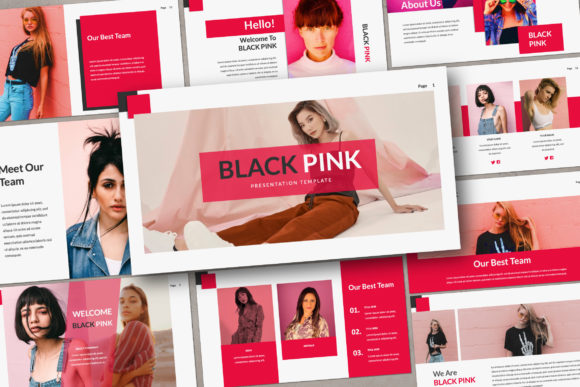
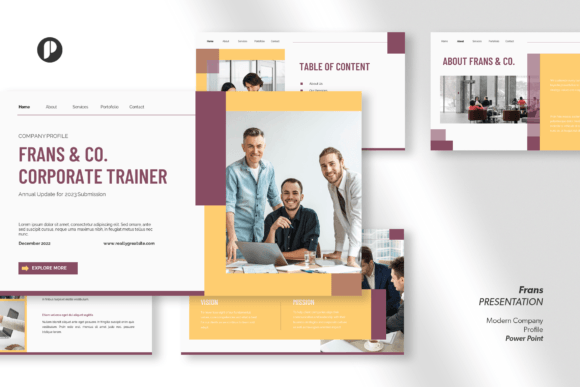
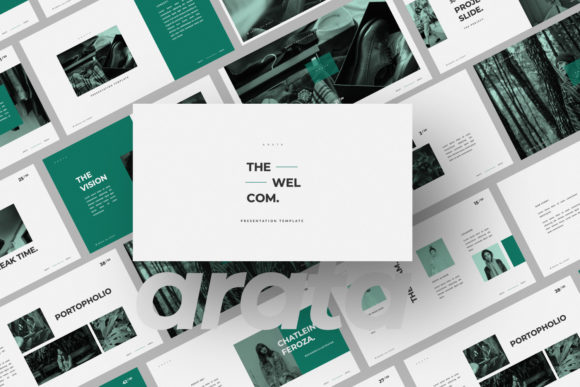
This template is defined by its modern, elegant, and professional visual language. Think clean lines, thoughtful whitespace, and a layout structure that guides the viewer's eye effortlessly. The personality is confident yet approachable, avoiding overly rigid corporate stiffness in favor of a more creative and unique flair. Its design leans into contemporary trends, making it feel fresh and relevant for brand identity presentations, portfolio showcases, or business proposals.
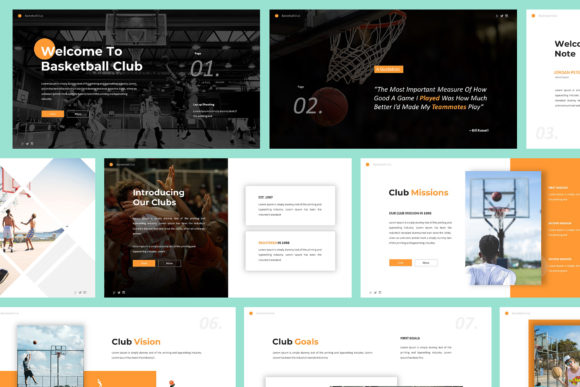
The true strength of Presentation Template – Architecture lies in its chameleon-like adaptability. While its name suggests a focus on building design, its core structure is ideal for a wide array of fields. A photographer can use its grid layouts to curate a stunning visual portfolio. A cafe or restaurant owner can craft a compelling menu or brand story deck. An interior designer can detail a project proposal, while a marketer can outline a campaign strategy. The template acts as a neutral, high-quality canvas that elevates your content, whether you're in fashion, property, or running a small business.
Practical Features That Save Time and Enhance Consistency
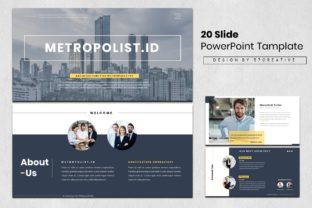
Beyond its looks, the template is engineered for real-world use. With 20 total slides, you have a curated set of layouts for title pages, team introductions, data visualization, image grids, and concluding calls to action. This pre-built visual hierarchy is crucial; it ensures your presentation has a logical flow, keeping your audience engaged from start to finish. The 16:9 widescreen ratio is the standard for modern displays, ensuring your work looks professional on any projector or screen.
Functionality is at its core. The Master Slides foundation means you can make global changes—like adjusting a color scheme or font style—across all slides with a single edit. This is a massive advantage for maintaining brand consistency, especially for agencies or businesses with multiple presenters. The vector icons and resizable graphics are fully editable, allowing you to customize every element to match your specific brand identity without losing quality. The drag-and-drop picture placeholders simplify the process of inserting your own images, making customization intuitive even for those with limited design experience.
Maximizing Impact: From Design to Delivery
Choosing this template is the first step. Using it effectively is the next. Start by evaluating your project's core message. For a portfolio, use the image-heavy layouts to let your work speak. For a business plan, leverage the structured text and data slides to build a compelling argument. The template's modern typography—which relies on recommended free web fonts—ensures readability and a contemporary feel. You can explore font pairing within the existing structure, perhaps using a sans serif font for body text for clarity and a complementary serif font for headings to add a touch of elegance.
Remember, the images in the demo are for preview only. The real power comes from injecting your own content. Use high-quality, relevant imagery that reinforces your narrative. The template's clean design will ensure your visuals remain the focal point. Before finalizing, always test the presentation by exporting it to JPG or PNG files to check for any layout shifts and ensure all graphics render crisply. This step is vital for social media graphics or when sharing static slides.
Ultimately, Presentation Template – Architecture is a professional design asset that bridges the gap between a good idea and a great presentation. It provides the structural integrity and aesthetic polish needed to influence brand perception, convey professionalism, and boost audience engagement. By starting with a strong, adaptable foundation, you free yourself to focus on what truly matters: your message, your story, and your unique creative vision.