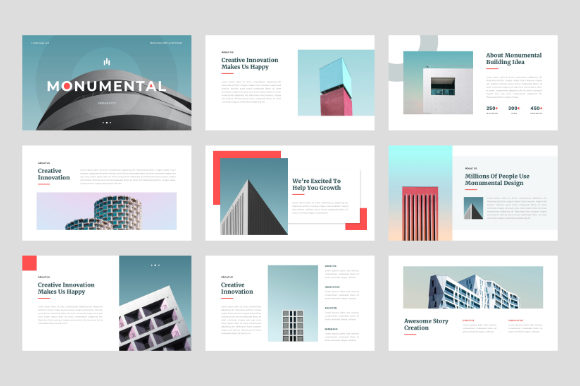
Monumental Google Slides Template: A Practical Guide for Professionals
You have a presentation to give, a pitch to win, or a portfolio to share. You open a blank slide deck and immediately feel the pressure. How do you make your content look credible, modern, and engaging without spending hours wrestling with layouts? This is the specific problem the Monumental Google Slides Template solves. It is not just a collection of slides; it is a structured framework designed to elevate your visual communication. With 30 unique slides, this template provides the scaffolding for a professional narrative, whether you are a creative studio showcasing work or a small business owner presenting a new strategy.
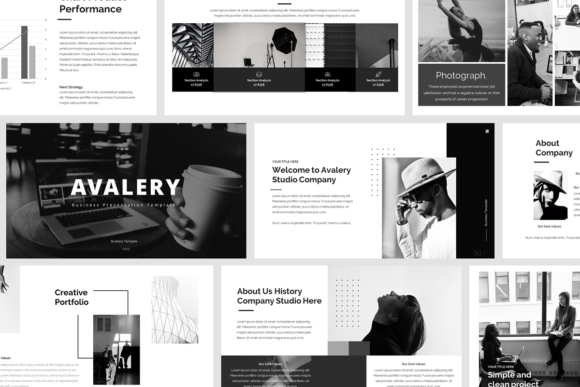
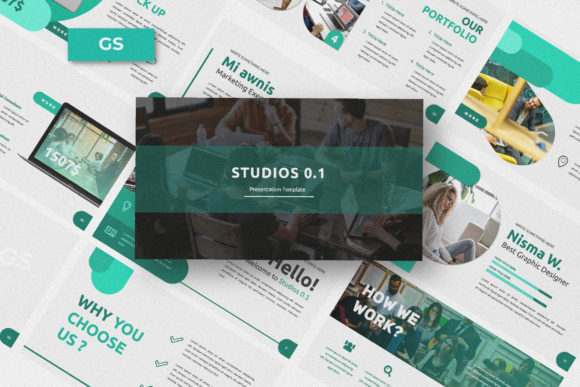
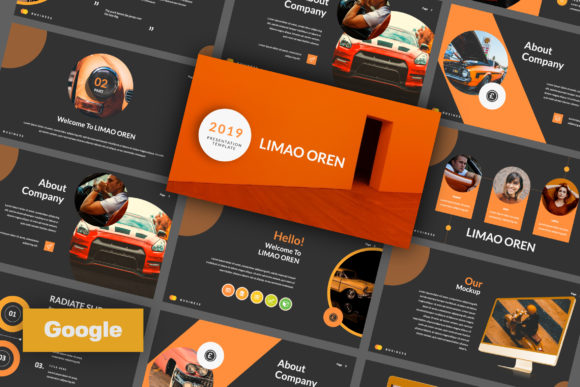
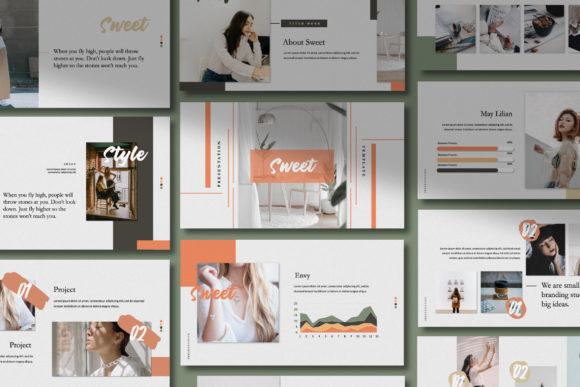
The core appeal of the Monumental template lies in its balance of creativity and professionalism. It avoids the trap of being overly decorative or distractingly minimalist. Instead, it offers a clean, elegant aesthetic that serves as a sophisticated backdrop. Think of it as a well-designed gallery wall; it makes the artwork—the content you bring—look its best. The layouts are modern, utilizing ample white space and intentional alignment to guide the viewer's eye. This isn't just about looking good; it's about visual hierarchy. A strong hierarchy ensures your audience understands what to read first, what's a key takeaway, and what's supporting detail, all without conscious effort on their part.
Where This Template Truly Shines: Real-World Applications
Understanding a template's features is one thing; knowing where to apply it is where the real value begins. The versatility of the Monumental Google Slides Template makes it a valuable design asset across numerous scenarios. For a design studio or creative agency, it becomes the perfect digital portfolio. The picture placeholders allow you to drag and drop your best project images directly into polished frames, creating a cohesive and impressive case study in minutes. The professional feel immediately builds trust with potential clients.
For entrepreneurs and small business owners, the template transforms a standard company profile or business proposal into a compelling story. The consistent use of master slides ensures every page of your deck maintains a unified brand identity, reinforcing recognition and professionalism. Imagine presenting a new product launch or a marketing plan; the structured layouts help you organize complex information—like market data, timelines, and financials—into digestible, visually logical segments. This clarity is crucial for keeping stakeholders engaged and confident in your vision.
Even for more personal projects, the template's adaptability is a major strength. A blogger or content creator can use it to develop a media kit that stands out, or to create engaging slideshows for online courses. The elegant typography and modern design feel personal yet polished, helping to establish a strong personal brand. The key is that the template doesn't impose a rigid style; it provides a professional structure that you infuse with your own content and personality.
Practical Guidance: Evaluating and Implementing the Template
Choosing any design template requires a bit of evaluation. Before diving in, consider your project's primary goal. Is it to inform, persuade, or showcase? The Monumental template, with its blend of text-friendly and image-centric layouts, is particularly strong for persuasive and showcase-oriented presentations. Its 16:9 widescreen ratio is the modern standard for displays and projectors, ensuring your presentation looks correct everywhere.
Once you have the template, the process is intentionally straightforward. The "Just Drag and Drop" and "Easily Editable" features are not marketing speak; they are practical realities that save you time. All graphics are resizable and editable, meaning you can adjust charts, icons, and shapes to match your specific data or brand colors. The reliance on free web fonts is a significant practical benefit, as it eliminates licensing headaches and ensures anyone viewing your slides will see the intended typography.
A crucial step often overlooked is testing your content within the framework. Don't just paste in your old bullet points. Look at each slide layout and ask: Does this structure serve my story? The picture placeholders are a guide—use them to force yourself to use high-quality, relevant imagery. The pre-designed text boxes help you practice conciseness, which is vital for effective presentations. Remember, the template handles the visual consistency and professionalism, freeing you to focus on crafting a clear, compelling message.
In the end, a tool like the Monumental Google Slides Template is about efficiency and impact. It removes the design guesswork, allowing you to present your ideas, your business, or your creative work with a level of polish that builds immediate credibility. It’s a practical solution for anyone who needs to communicate visually in a professional context, ensuring the medium never overshadows the message.